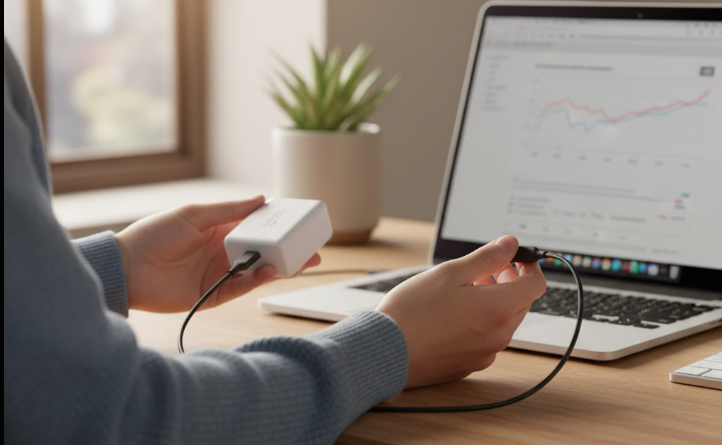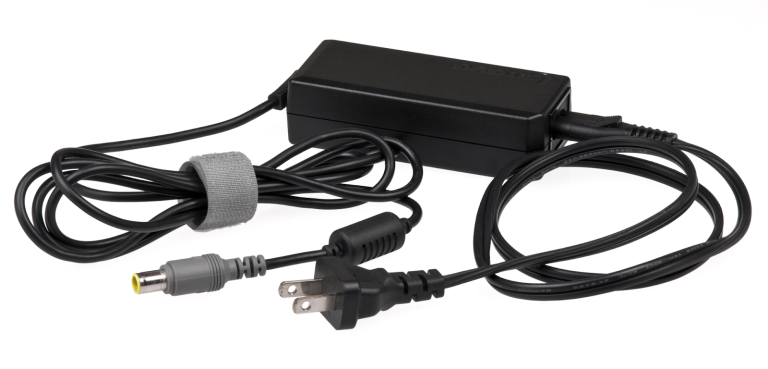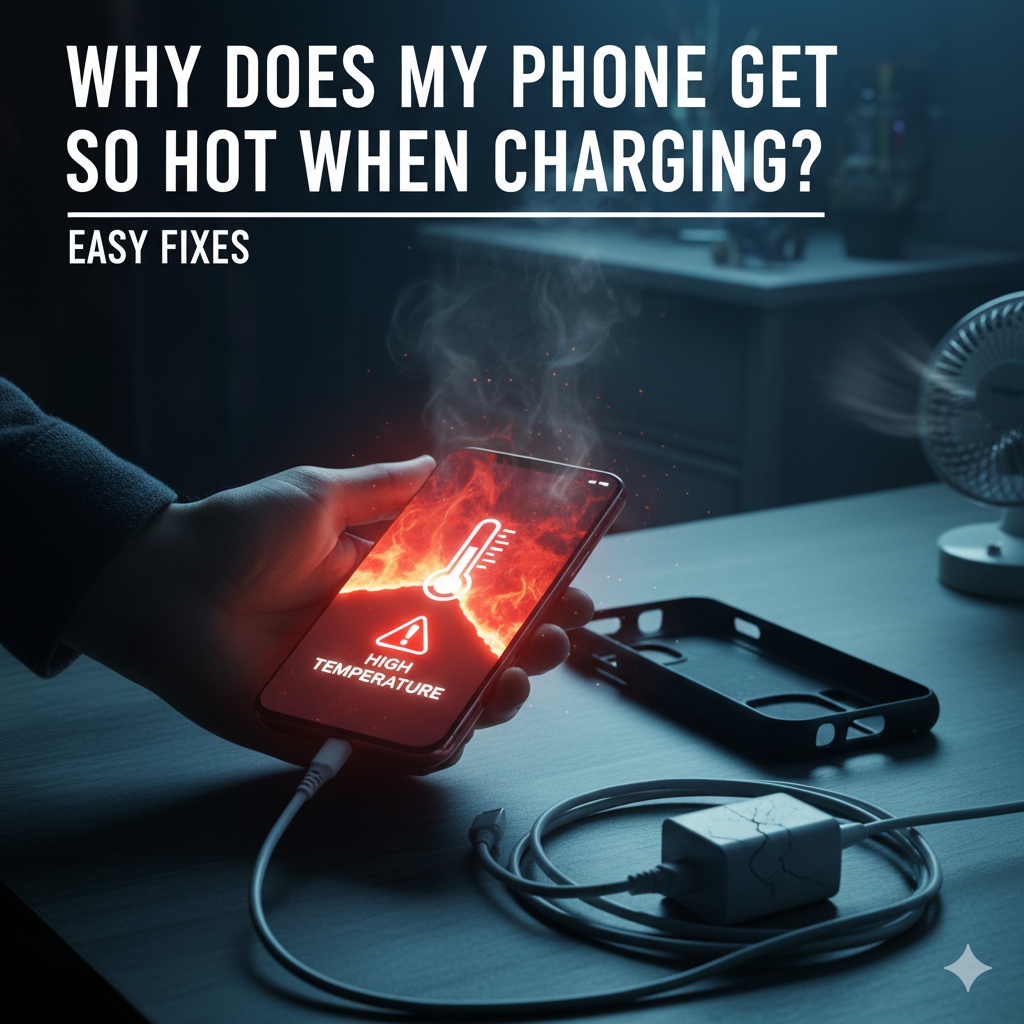
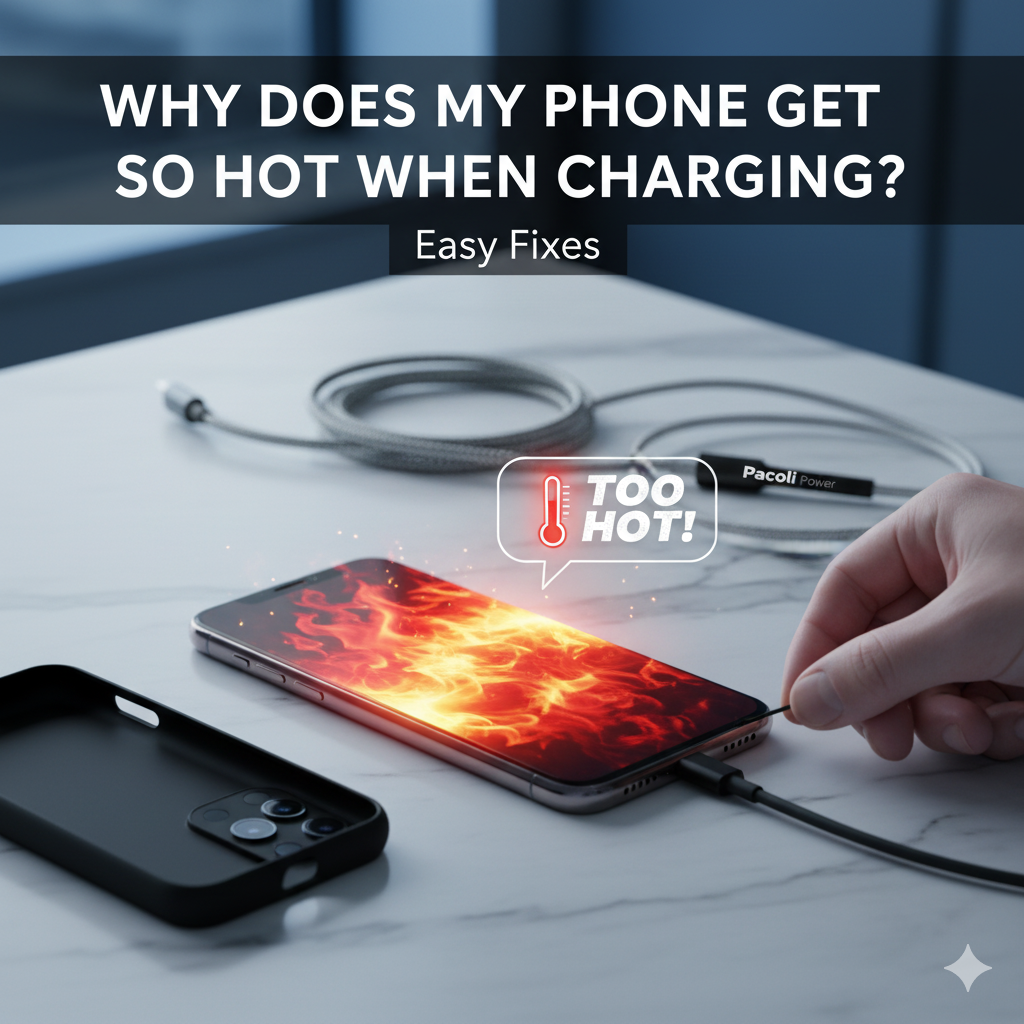
The electricity flow makes the phone hot while charging. Some features, like fast charging, wireless charging, and your usage habits, also add to the heat. A little increase in temperature is normal. But if it is excessively hot, it’s a serious sign. Studies show that for every 10°C (18°F) rise in battery temperature, reduces 50% of its lifespan. Continuous heated charging permanently damage the battery.
If your phone becomes too hot, quickly unplug it from the charger. Take off the phone case and keep it on a flat surface. These should be enough to quickly cool down the phone. Also, bring a change in your usage habits. Don't use the phone while charging, and close the background apps. Use the OEM or high-quality charging accessories and charge on a cool, flat surface.
At Pacoli Power, we provide reliable chargers and adapters built to deliver safe, steady power that protects your phone and keeps it cool. Because your phone deserves more than just a charge, it deserves a longer life.
Reasons Why Your Phone Gets Overheat During Charging
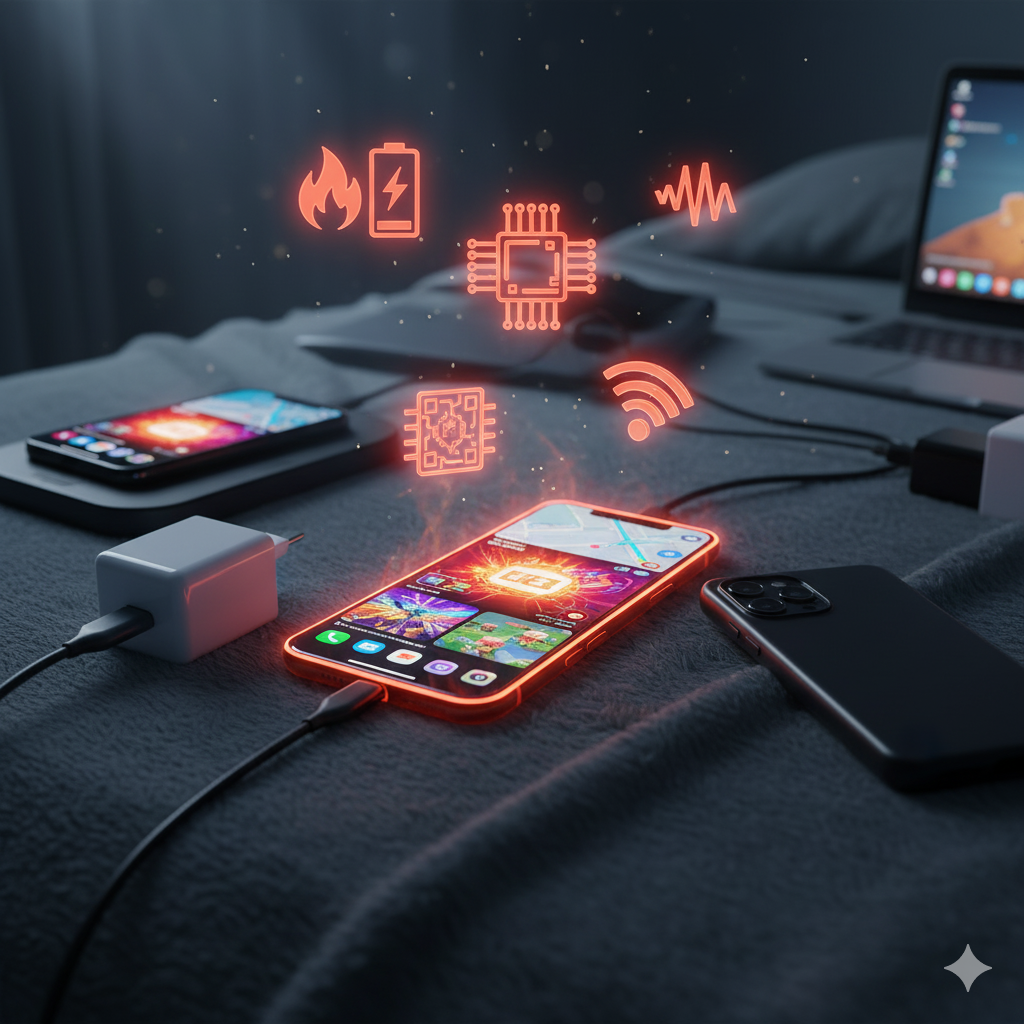
Ever picked up your phone while it’s charging and thought, “Wow, this thing is way too hot”? You’re not alone. A little warmth is totally normal, but if your phone feels like it’s baking, here are some common reasons why that happens:
1. Fast Charging = Extra Heat
Fast charging is super convenient, but here’s the trade-off: more power flows into your battery in a short time, and that naturally makes it warmer. Think of it like filling a water balloon really quickly. The faster you pump, the more stress (and heat) builds up.
2. Wireless Charging Isn’t Perfect
Wireless charging looks cool and feels futuristic, but it’s less efficient than plugging in. It produces more heat than wired charging. If your phone isn’t lined up just right on the pad, or if you’re using a thick case. Your charger wastes extra energy as heat. That’s why your phone can feel warmer on a wireless pad compared to a regular cable.
3. Using Your Phone While Charging
We’ve all done it. Watching Netflix, gaming, or navigating with maps while charging. The problem is that your phone is working hard and charging at the same time. That double workload means it’s pulling in power while burning through it, which equals more heat.
4. Your Charging Spot Is Trapping Heat
Phones need to breathe. Charging on a soft surface like a bed or leaving it in a hot car makes it harder for heat to escape. No airflow = more overheating.
5. The Charger or Cable Isn’t Great
Old, damaged, or off-brand chargers and cables don’t always deliver power the right way. Sometimes they force your phone to work harder than it should, and that shows up as extra heat. Even a dusty charging port can cause problems.
6. Your Battery Is Getting Older
Over time, batteries naturally wear down. An older battery has to work harder to store energy, and that extra effort usually shows up as heat.
Quick Fixes to Cool Down Your Phone While Charging
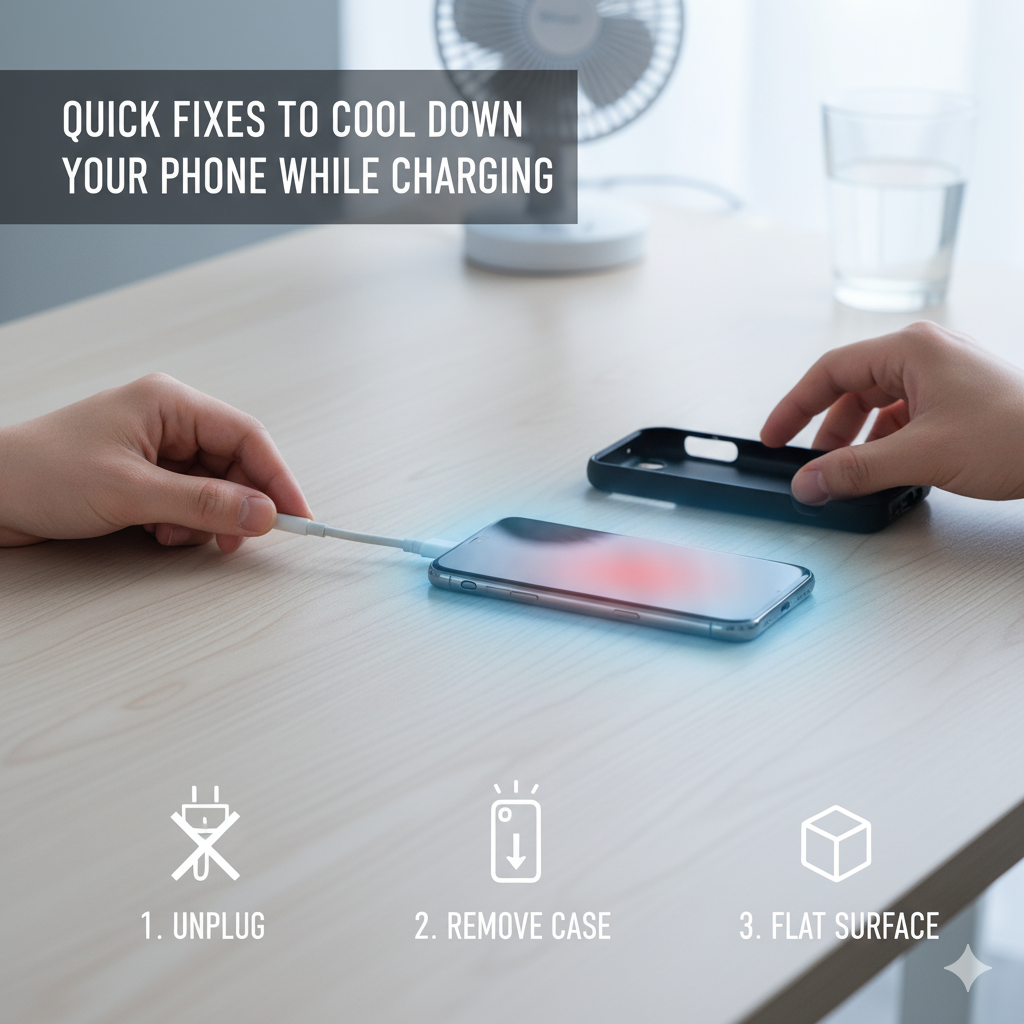
If your phone feels like it’s heating up too much while charging, don’t worry. You don’t need fancy tools to fix it. Here are some quick, everyday tricks that actually work:
- First things first: Unplug it. Seriously, this is step one. Just disconnect it from the power source to stop the charging process and any additional heat from building up.
- Take its jacket off. Your phone’s case is trapping all that heat. Gently take the case off. You’ll be amazed at how quickly it starts to cool down with a little breathing room.
- Find a cool spot for it to chill. Literally. Move it off your bed, away from your couch, and out of direct sunlight. The best place is on a hard, flat surface like a nightstand, a desk, or even a cool kitchen counter. These surfaces don’t hold heat like soft ones do.
- Give it a rest. If it’s still really hot, try closing all your open apps and turning off the screen. Better yet, power it down completely for a few minutes if you can. This is like giving your phone a quick nap to cool off.
Once it's back to a normal temperature, you can plug it back in. Maybe try charging it in a cooler spot this time, or without its case on.
Phone-Specific Overheating Solutions
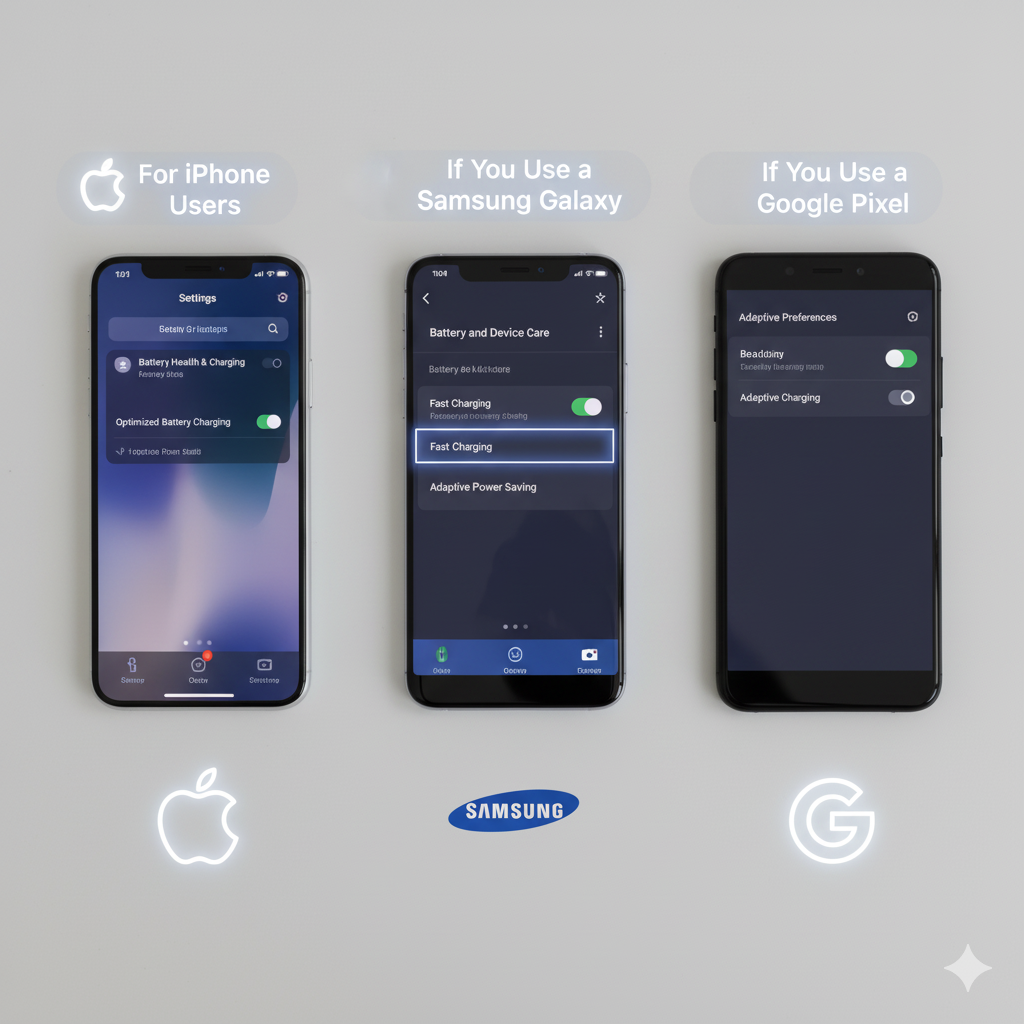
Every phone has its own way of dealing with heat while charging. The trick is knowing where to find the settings that can help. Let’s break it down by phone type:
For iPhone Users
- Turn on Optimized Charging: Head to Settings → Battery → Battery Health & Charging. When this is on, your iPhone charges in a way that keeps the battery cooler and healthier.
- “Charging on Hold” isn’t a bad thing: If you see this message, your iPhone is just taking a break because it’s too warm. It’ll start charging again once it cools down.
- Remove cases if needed: Thick cases or MagSafe accessories can trap heat. Charging without them can help.
If You Use a Samsung Galaxy
- Slow down the charge if it’s too hot: Go to Settings → Battery and Device Care → Battery → More Battery Settings, and turn off Fast Charging. Charging will take a little longer, but your phone will stay cooler.
- Use Device Care: Samsung phones have a handy tool that shows you which apps are using up power. Closing those helps reduce heat.
- Keep software updated: Updates often make charging more efficient.
If You Use a Google Pixel
- Turn on Adaptive Charging: Go to Settings → Battery → Adaptive Preferences and switch it on. This helps your phone charge smarter and cooler, especially overnight.
- Trust the safety features: If your Pixel slows down or stops charging, it’s protecting itself. Let it cool off, then continue.
- Check battery usage: Close apps that are draining power while charging to take the stress off your phone.
If You Use Another Android Phone
- Look in your battery settings: Most Androids now have something like Optimized Charging or Smart Charging. Switch it on to help with overheating.
- Turn off super-fast charging if needed: Phones like OnePlus or Xiaomi charge crazy fast, but that means more heat. If your phone feels hot, try standard charging instead.
- Gaming phones? Be careful: Phones made for gaming can heat up quickly when plugged in. Turning off Performance Mode while charging helps.
Stay updated: New updates often fix heating issues, so don’t ignore them.
When Overheating Becomes Dangerous
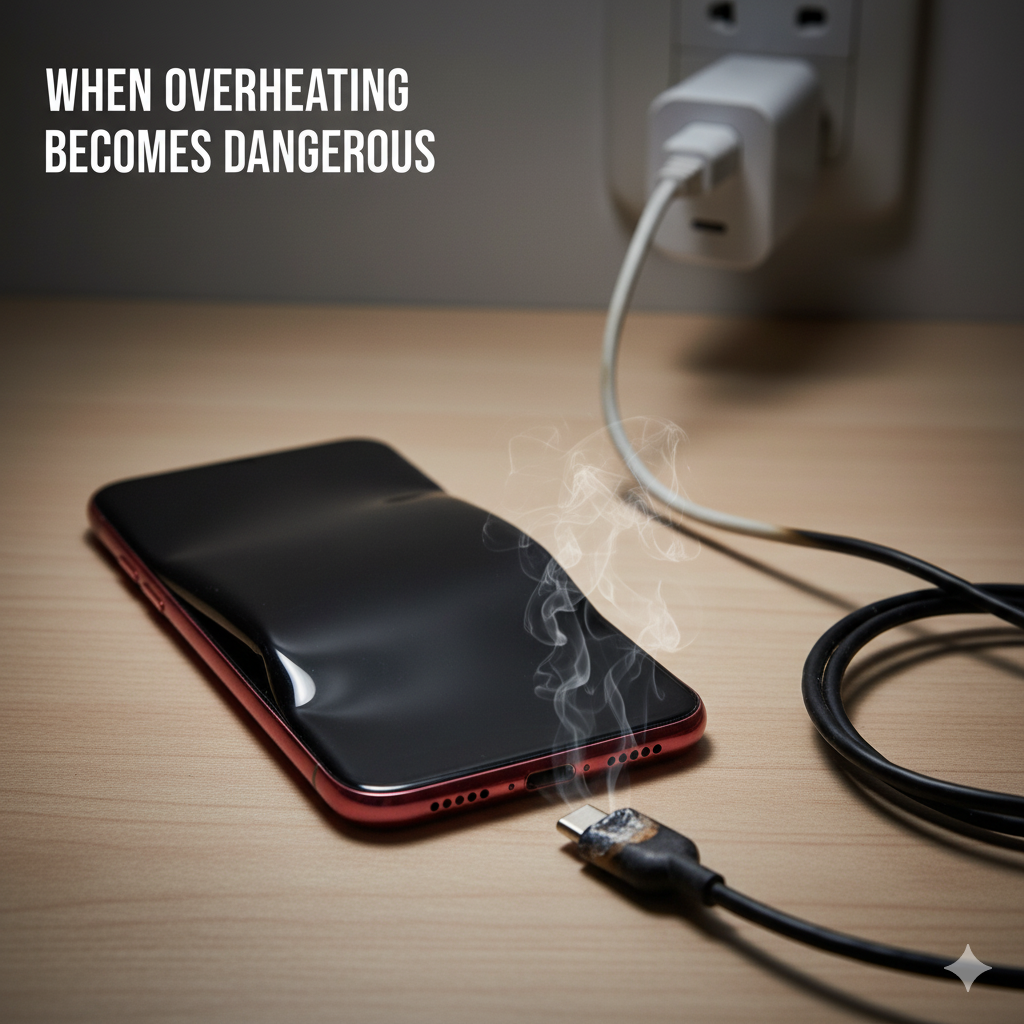
It’s perfectly normal for your phone to feel slightly warm while charging, but when the heat becomes extreme, it’s a sign of trouble. If your phone feels almost too hot to comfortably hold, that’s a clear red flag. You might also notice the battery swelling, which can show up as the back cover bulging or the screen lifting a little. These changes usually mean the battery is under serious stress.
Other warning signs include strange smells, like burning plastic, or even smoke coming from your device or charger. Your charging cable or power brick may also feel unusually hot, far beyond a gentle warmth.
And if your phone shuts down on its own while charging, it’s often a built-in safety feature reacting to high temperatures. All of these signs point to overheating that goes beyond normal charging warmth and shouldn’t be ignored.
How Phone Overheating Damages Your Battery Health
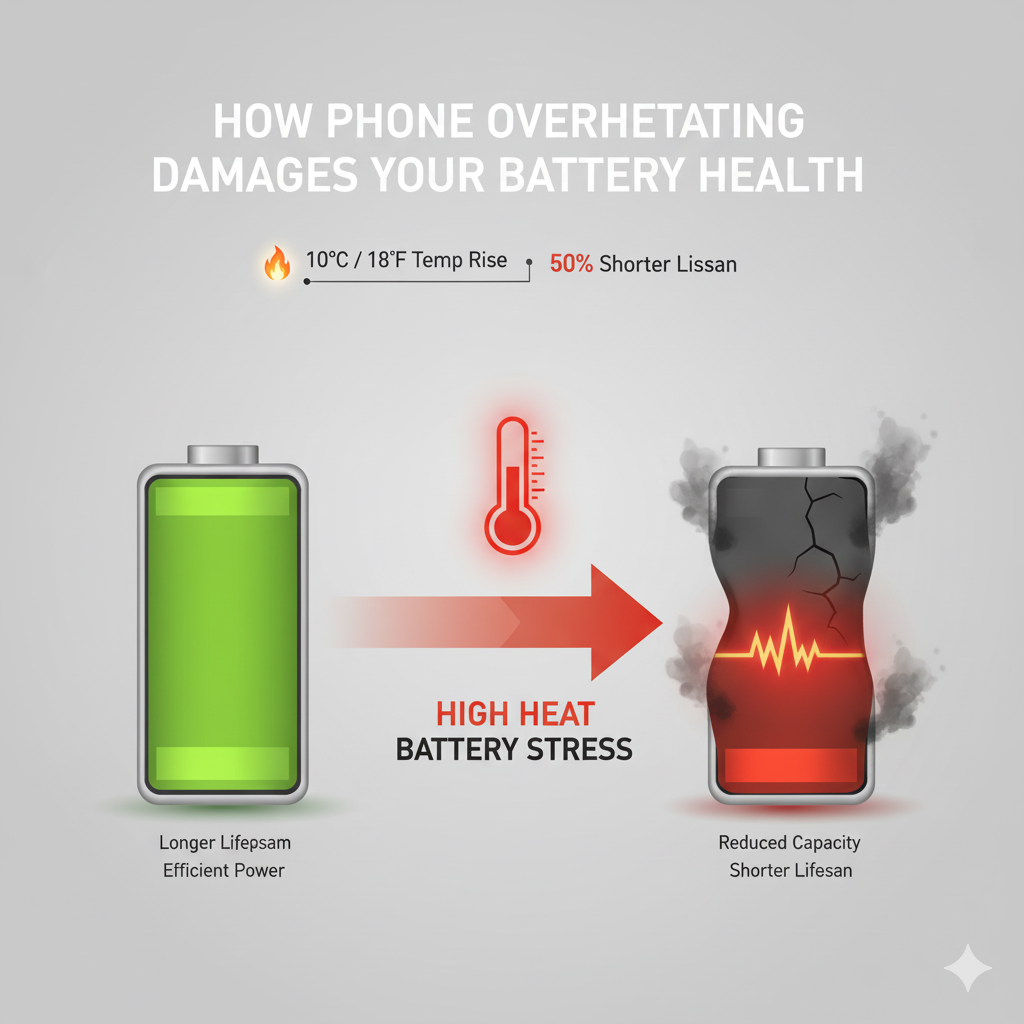
Heat is like kryptonite for your phone’s battery. When your device gets too warm during charging, the battery has to work harder. Overheating can cause extra stress on the battery, resulting in battery wear. Instead of lasting years, an overheated battery starts losing capacity much sooner.
Experts say that for about every 10°C (18°F) jump in temperature, a battery’s lifespan can nearly be cut in half. That means if your phone regularly runs hot, you’ll notice it doesn’t hold a charge as long, drains faster, and needs recharging more often. Over time, constant overheating can turn a healthy, all-day battery into one that barely makes it through a morning.
Debunking Common Myths About Phone Heating
When it comes to phone heating, there are tons of myths floating around. Let’s clear a few of them up so you know what’s really happening with your device.
Myth 1: Fast charging ruins your battery.
Not true. Fast charging doesn’t directly kill your battery. What hurts it is the extra heat that comes with faster charging. If your phone stays cool, fast charging is totally fine to use.
Myth 2: Sticking it in the freezer will cool it down.
Please don’t do this! The sudden cold can cause moisture to form inside your phone, which can lead to water damage. Let it cool down on its own on a flat surface.
Myth 3: You should always charge it all the way to 100%.
Think of your battery like you would yourself. You wouldn't want to eat a huge meal right before bed, right? It's the same for your phone. Keeping it between 20% and 80% is a much more comfortable, healthier range that creates less stress (and less heat) on the battery.
8 Practical Tips to Prevent Phone From Overheating
Prevention is always better than a cure. By making a few small changes to your charging habits, you can keep your phone cool, protect your battery, and avoid those panic-inducing temperature warnings for good. Here are tips to prevent phone overheating:
1. Use the right charger and cable. Stick with the charger that came with your phone or buy a certified replacement. Cheap or damaged cables often cause extra heat.
2. Avoid hot environments. Don’t charge your phone in direct sunlight, in a hot car, or under a pillow where heat can’t escape. Place your phone on a hard, flat surface.
3. Remove the case while charging. Thick cases trap heat. Taking it off, even just while charging, helps your phone breathe.
4. Too many apps running means your phone is working harder while charging, which generates more heat. Close the background apps while charging.
5. Lower the charging speed. If your phone supports it, turn off fast charging when you don’t need it. Regular charging slows down the charging process but help prevent overheating issues.
6. Clean the charging port. Dust or lint in the port can block proper power flow and create unnecessary heat. A gentle clean goes a long way.
7. Stop using the phone while charging. Gaming, streaming, or heavy multitasking while charging makes your phone heat up twice as fast.
8. Charge in short sessions. Instead of going from 0–100%, try topping up your battery in smaller bursts. It’s easier on the battery and keeps temperatures down.
FAQs About Phone Overheating
Question: How do I check if my battery is damaged from heat?
Answer: Look for signs like faster draining, random shutdowns, swelling, or the back cover lifting. On iPhones, you can check Battery Health in settings; many Androids have similar options
Question: What temperature is too hot for a phone battery?
Answer: Most phones are designed to charge safely between 32°F and 95°F (0°C to 35°C). Anything above that can stress the battery and shorten its lifespan.
Question: Can I charge my phone overnight without overheating?
Answer: Yes. Modern smartphones stop charging at 100% or slow down automatically, which prevents overheating. The only risk is if the phone is kept in a hot environment.
In Closing
So, now you know the answer to the big question: why does my phone get so hot when charging? Most of the time, it comes down to simple things, fast charging, wireless pads, heavy use, or even the environment you’re charging in. While a little warmth is normal, too much heat can slowly damage the battery and shorten its lifespan.
At Pacoli Power, we create reliable chargers and adapters that keep your phone powered up safely without the extra stress. Pairing smart habits with the right gear is the easiest way to protect your phone and extend its battery life.